

Deposit Checks Easily From Your Phone
Skip the trip and safely deposit checks on your smartphone or tablet. It's as easy as sign, snap and send.
Mobile Check Deposit lets you securely deposit checks anytime, anywhere using the Midland States Bank mobile app. No branch visit is required. Simply endorse your check, take photos of the front and back, and submit your deposit right from your phone.
It’s fast, convenient, and available whenever you need it.
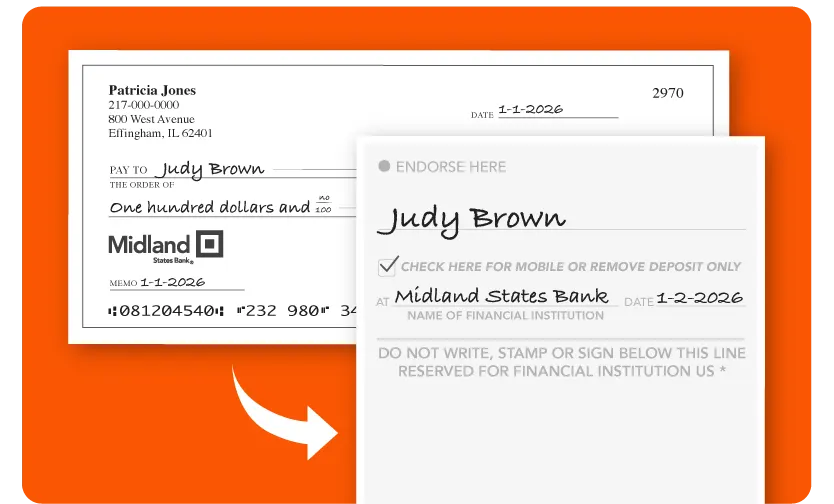
Sounds pretty great, right? Let's get you set up...
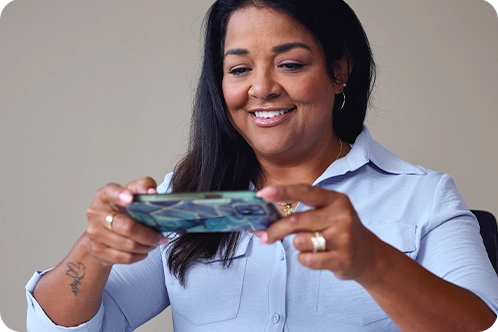
Open the Midland States Bank App. Choose "Deposit" from the bottom menu.
Sign the back of your check and write the required mobile deposit endorsement. Then capture photos of the front and back of your check using your phone’s camera.
Enjoy the extra time you gain back, no branch trip required.
Mobile deposit limits help protect your account. You can use our app to deposit checks with the following limits:
What is a rolling 30-day period?
We total your mobile deposits from the past 30 days, not the calendar month.
Our team of dedicated professionals are here to support you.


